
Teaching GitHub today is different than it was a few years ago. In the past, a GitHub training week might have focused mostly on repositories, branches, pull requests, and CI/CD. Those things still matter. In fact, they matter more than ever.
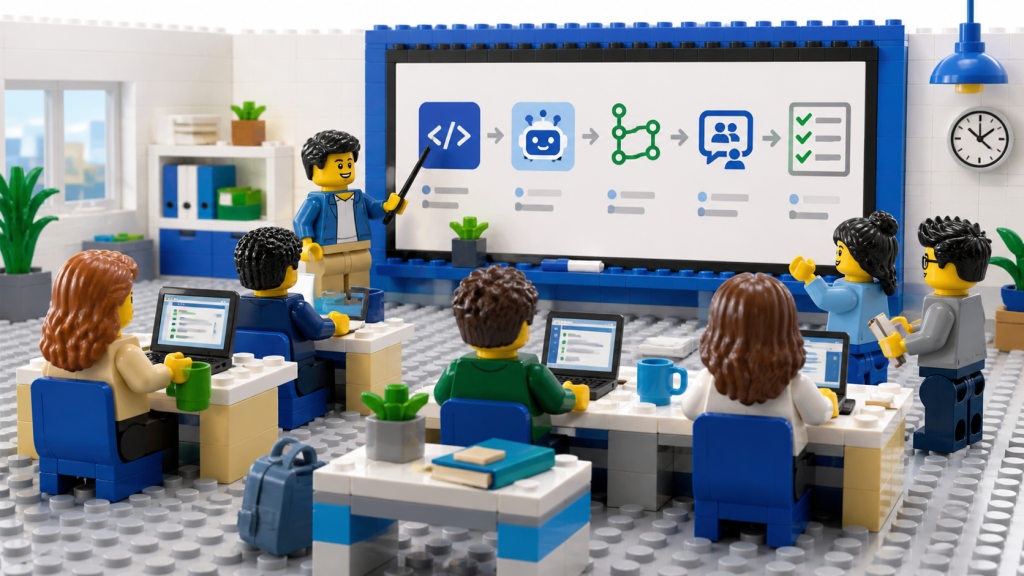
But now there is another layer. Developers are learning these practices in a world where GitHub Copilot can explain errors, generate workflows, suggest refactorings, create tests, and act as a pair programmer. That changes how we teach.
I recently worked on a GitHub and Copilot training program for early-career consultants. The goal was not just to show them a collection of features. The goal was to help them understand how modern software development fits together. That meant covering GitHub fundamentals, but also connecting those fundamentals to real delivery workflows. Repositories are not just places to store code. They are the foundation for collaboration. Branches are not just Git mechanics. They are part of how teams isolate and review change. Pull requests are not just a checkbox before merging. They are where collaboration, review, quality, and knowledge sharing happen. GitHub Actions is not just YAML. It is how teams turn repeatable delivery practices into automation. Codespaces is not just a cloud development environment. It is a way to reduce setup friction and create consistency. Copilot is not just autocomplete. It is a tool that can help developers understand, build, test, explain, and improve software when used thoughtfully.
That last part is important.
When teaching early-career developers or consultants, there is a temptation to jump straight to the impressive AI demos. Generate an app. Create a workflow. Fix a bug. Explain an error. Those demos are useful, but they cannot replace fundamentals. If someone does not understand what a pull request is for, Copilot will not magically make them good at code review. If someone does not understand deployment concepts, generating a workflow only gets them so far. If someone does not understand testing, AI-generated tests may look convincing without being meaningful. AI makes fundamentals more important, not less.
The good news is that AI can also help people learn those fundamentals faster. A learner can ask Copilot to explain a confusing error message. They can ask what a workflow step does. They can ask for an example of a unit test. They can ask why a branch has conflicts. They can use AI to get unstuck without waiting for someone else to be available.
That creates a different kind of learning environment. The instructor’s role shifts. It is less about being the only source of answers and more about helping learners ask better questions, evaluate suggestions, and understand the why behind the tool’s response. That is a valuable skill for early-career consultants. Clients do not just need people who can use tools. They need people who can reason through problems, explain tradeoffs, and help teams adopt better practices.
GitHub and Copilot are a great foundation for that because they sit so close to the way software work actually happens. By the end of a good training experience, learners should not just know how to create a repository or ask Copilot for help. They should understand how modern teams collaborate, automate, secure, deploy, and continuously improve software.
That is the bigger lesson. Teaching GitHub in the age of Copilot is not about choosing between fundamentals and AI. It is about using AI to help people understand the fundamentals more deeply and apply them more effectively. That is the kind of developer education I think we need more of.